×
OUR SHOPIFY PACKAGES OUR PORTFOLIO FREE SEO AUDIT BUILD A SHOPIFY WEBSITE WHY SHOPIFY WHY SHOPIFY PLUS BLOG ABOUT US CALL US
01273569264
EMAIL US
info@whymatters.co.uk

Shopify Migration Agency

Shopify migration services that move your products, customers, orders and search rankings to Shopify safely, with every redirect mapped and tested before launch.

Shopify agency background 1 Shopify agency background 2 Shopify agency background 3 Shopify agency background 4

Move to Shopify Without Losing Sales or Rankings

Move to Shopify Without Losing Sales or Rankings

Changing platform is one of the biggest projects an ecommerce business takes on. Done well, every product, customer and order comes with you and your search traffic carries on. Done badly, rankings fall, old links lead to error pages and customers cannot find what they bought before.

We are a UK Shopify agency based in Brighton, and we plan, build and launch migrations from Magento, WooCommerce, Wix, Squarespace, BigCommerce and other platforms. Every project starts with a free review of your current store and a written migration plan, so you know what moves, what changes and what it costs before any work begins.

Planning the move yourself? Start with our Shopify migration checklist.

  • DATA MIGRATION

    Shopify data migration icon
    Products, variants, images, customers and order history moved to Shopify and checked against your old store before launch.
  • REDIRECT MAPPING

    Redirect mapping icon
    Every old address matched to its new Shopify page with a permanent 301 redirect, so your rankings and backlinks carry over.
  • THEME REBUILD

    Shopify theme rebuild icon
    Your design rebuilt on a modern Shopify theme, kept close to what customers know or improved where it holds sales back.
  • APPS AND INTEGRATIONS

    Apps and integrations icon
    Reviews, subscriptions, email, shipping, stock and accounting tools replaced or reconnected, using Shopify's own features where they do the job.
  • TESTING AND LAUNCH

    Testing and launch icon
    Checkout, payments, emails and redirects tested before launch, then support once you are live, backed by our 3 month guarantee.

Why Brands Move to Shopify

Most merchants we move to Shopify want the same thing: less time maintaining their website and more time selling. What pushes them to move depends on the platform.

Magento stores usually come to us to cut maintenance costs, stop relying so heavily on developers and speed up their site. WooCommerce merchants want to escape the daily work of software updates, server security and technical maintenance. Wix stores have usually outgrown the platform and need a dedicated commerce engine, and 85% of our Squarespace migration clients moved because they needed more advanced ecommerce features.

Shopify looks after hosting, security and platform updates for you, and its app ecosystem covers most of what a growing brand needs. Our page on why Shopify sets out the case in full.

Ecommerce brands moving their stores to Shopify

How Our Shopify Migration Service Works

We start with a review of your current store: every product type, customer record, integration, page and address that needs to move. From that we write your migration plan and quote, so you know the scope, the cost and the timeline before work begins.

We then build your new Shopify store alongside the old one, which keeps taking orders as normal. Your data moves across, we map every redirect, build the theme and reconnect your apps, then test everything on a password protected preview before any customer sees it.

On launch day we connect your domain, switch on the redirects, submit your new sitemap to Google Search Console and run a final round of checks. A last data sync brings across any orders and customers added during the build.

Why Matters is a Shopify Select partner with Verified Skills across development and marketing, so the same team can look after your SEO, email and ads once you are live.
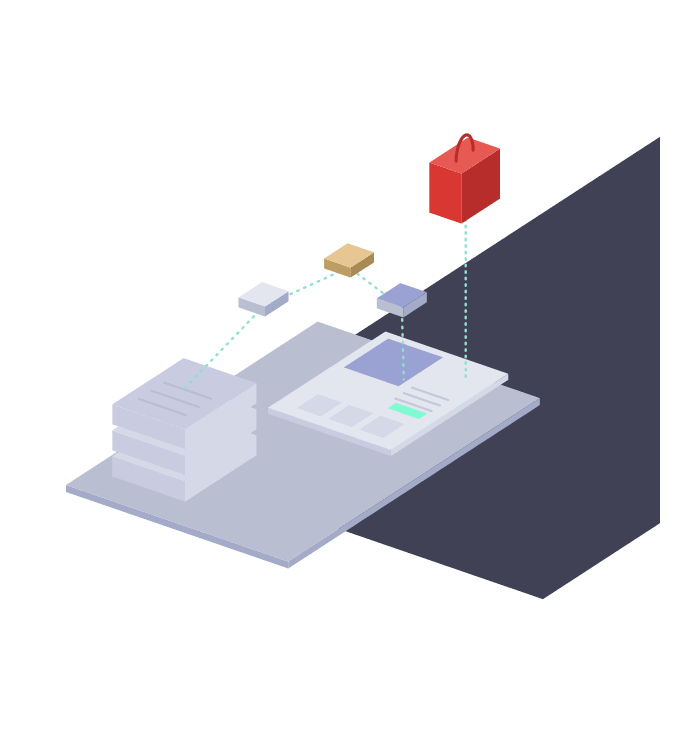
Products, customers and orders moving from an old store to Shopify
Shopify agency background 1 Shopify agency background 2 Shopify agency background 3 Shopify agency background 4

Keeping Your Google Rankings: Redirects and SEO

Shopify uses fixed web addresses, such as /products/ for product pages and /collections/ for categories, so almost every address on your old store changes when you move. Without redirects, every link from Google, other websites and past emails leads to an error page.

Of the 80 stores we have moved to Shopify, 75 came to us with no redirect map in place. We build one for every migration, matching each old address to its closest new page with a permanent 301 redirect, then test every redirect before launch.

Page titles, meta descriptions, headings and product content carry over, and we set up structured data on the new theme so Google can read your products, prices and stock. After launch we watch Search Console for errors and fix anything that slips through.

Our Shopify SEO agency team leads this stage, and our Shopify technical SEO audit guide shows what we check.

Old store addresses redirected to new Shopify pages to protect rankings

Products, Customers and Order History

Your catalogue moves first: products, variants, prices, stock levels, images, SKUs, barcodes and descriptions, with categories rebuilt as Shopify collections. Extra product details such as ingredients, sizing or specifications move into metafields, so your theme can display them.

Customers follow, with their addresses, tags and marketing consent. Order history takes more care, because Shopify cannot import orders from a spreadsheet, so we move it with a specialist migration app or Shopify's API and link each order to its customer.

Passwords cannot move between platforms, but new Shopify stores use passwordless customer accounts. Customers sign in with a one time code sent to their email address, so nobody has to reset a password after the move.

Before launch we check product, customer and order counts, and a sample of records, against your old store, so nothing goes missing.
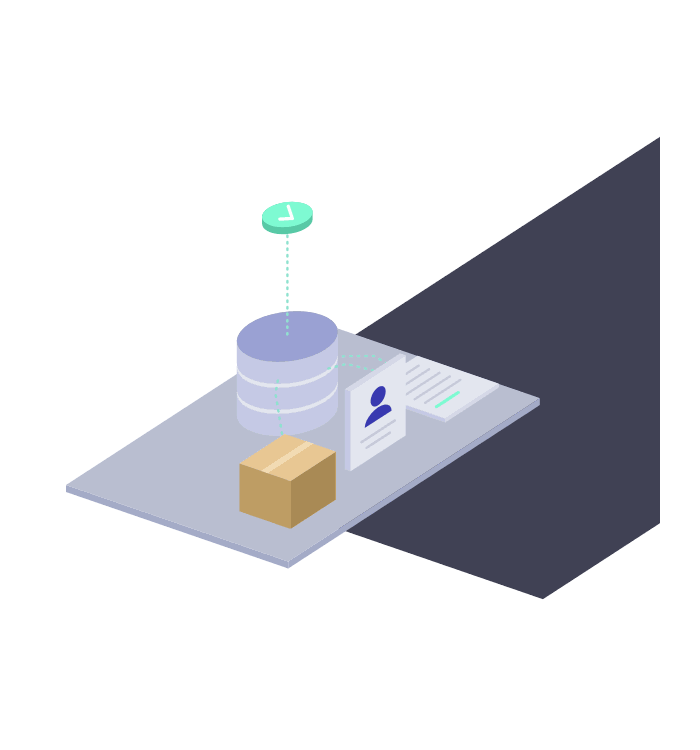
Product, customer and order data moved to Shopify and checked

Theme and Design Rebuild

Every migration needs a Shopify theme, because the templates from your old platform cannot move across. We can rebuild your current design closely, which keeps the change small for customers and for Google, or improve it where your data shows shoppers dropping off.

Modern Shopify themes are built from sections, so your team can edit pages and add content without a developer. We keep pages fast and test every template on mobile and desktop before launch.

Our Shopify designers lead this stage, and our guide to choosing the right Shopify theme explains the options.

Store design rebuilt on a modern Shopify theme

Apps, Payments and Integrations

We list every tool your current store relies on, from reviews and subscriptions to shipping, stock, accounting and email, then match each one to a Shopify app, an integration or a feature Shopify already includes. Fewer apps usually means a faster, simpler store.

Payments are set up and tested with Shopify Payments or your current provider. Email platforms such as Klaviyo are reconnected, and as a Klaviyo Partner we check that sign up forms, flows and customer data keep working after the move.

Active subscriptions get their own plan, so subscribers keep receiving their orders without interruption. Our guides to the best Shopify apps and Shopify payment gateways compare the options.


Apps, payments and email tools connected to a Shopify store

Migrating From Magento, WooCommerce, Wix and Squarespace

Each platform moves differently. Magento stores often carry custom code and extensions that need replacing with Shopify apps or theme features. WooCommerce stores bring years of plugins, posts and pages to sort through. Wix and Squarespace stores tend to be smaller, but their product options and addresses still need mapping with care.

Our step by step guides cover moving from Magento to Shopify and from WooCommerce to Shopify. We also migrate stores from BigCommerce and other platforms.

Still deciding? Our comparisons weigh Shopify against Magento, WooCommerce, Wix, Squarespace and BigCommerce.

Stores moving to Shopify from Magento, WooCommerce, Wix and Squarespace
Shopify agency background 1 Shopify agency background 2 Shopify agency background 3 Shopify agency background 4

Our Shopify Migration Process

  • 1. Store Review: Every product, customer, order, page, app and address on your current store, listed and assessed.
  • 2. Migration Plan and Quote: A written plan covering what moves, what changes, the cost and the timeline.
  • 3. Build: Your Shopify store set up alongside the old one, with theme, apps and payments configured.
  • 4. Data Migration: Products, customers and order history moved across and checked against your old store.
  • 5. Redirects and SEO: Every old address mapped to its new page, with titles, content and structured data carried over.
  • 6. Testing: Checkout, payments, emails, redirects and integrations tested on mobile and desktop.
  • 7. Launch and Aftercare: Domain connected, final data sync, Search Console monitored and every migration covered by our 3 month guarantee.
Our seven step Shopify migration process

Get a Free Migration Quote and Plan

Send us your store address and tell us where you are moving from, and we will review your store free of charge. You get a migration plan setting out what moves, what needs rebuilding and what to watch out for, with a quote and timeline for the work.

Ask for your free migration quote

Free Shopify migration quote and plan

Frequently Asked Questions

How much does a Shopify migration cost?

It depends on the size of your catalogue, how much data moves, the integrations you use and how much design work you want. We quote every migration individually after reviewing your store, and the most common reasons a project needs custom pricing are bespoke functionality and complex international shipping. Our guide to how much a Shopify migration costs explains the main costs, and our Shopify packages show how we price our work.

How long does a Shopify migration take?

It depends on the size of your store, the number of integrations and whether the design changes. Your free quote includes a timeline, and we plan launch for a quieter trading period, as Google recommends, rather than just before a sale or peak season.

Will I lose my Google rankings when I move to Shopify?

Not if the move is handled properly. Every old address gets a permanent redirect to its new page, titles and content carry over, and your new sitemap goes to Google on launch day. Google says to expect some temporary movement in rankings while it recrawls a moved site, so we monitor Search Console closely after launch and fix anything that needs it.

Can you move my customers and order history?

Yes. Customers move with their addresses, tags and marketing consent. Historical orders move with a specialist migration app or Shopify's API, because Shopify cannot import orders from a spreadsheet. We check both against your old store before launch.

Will my customers need to reset their passwords?

No. Passwords cannot be moved between platforms for security reasons, but new Shopify stores use passwordless customer accounts. Customers sign in with a one time code sent to their email address and find their details and past orders waiting.

Can you migrate my store to Shopify Plus?

Yes. We migrate stores to Shopify and to Shopify Plus, and help brands already on Shopify decide when upgrading to Plus makes sense. Our page on why Shopify Plus explains who it suits.

What support do you offer after launch?

Every migration is covered by our 3 month guarantee on development work. After that, you can keep us on a monthly retainer for development, SEO and marketing from £650 a month, billed one month in arrears with no long contract.